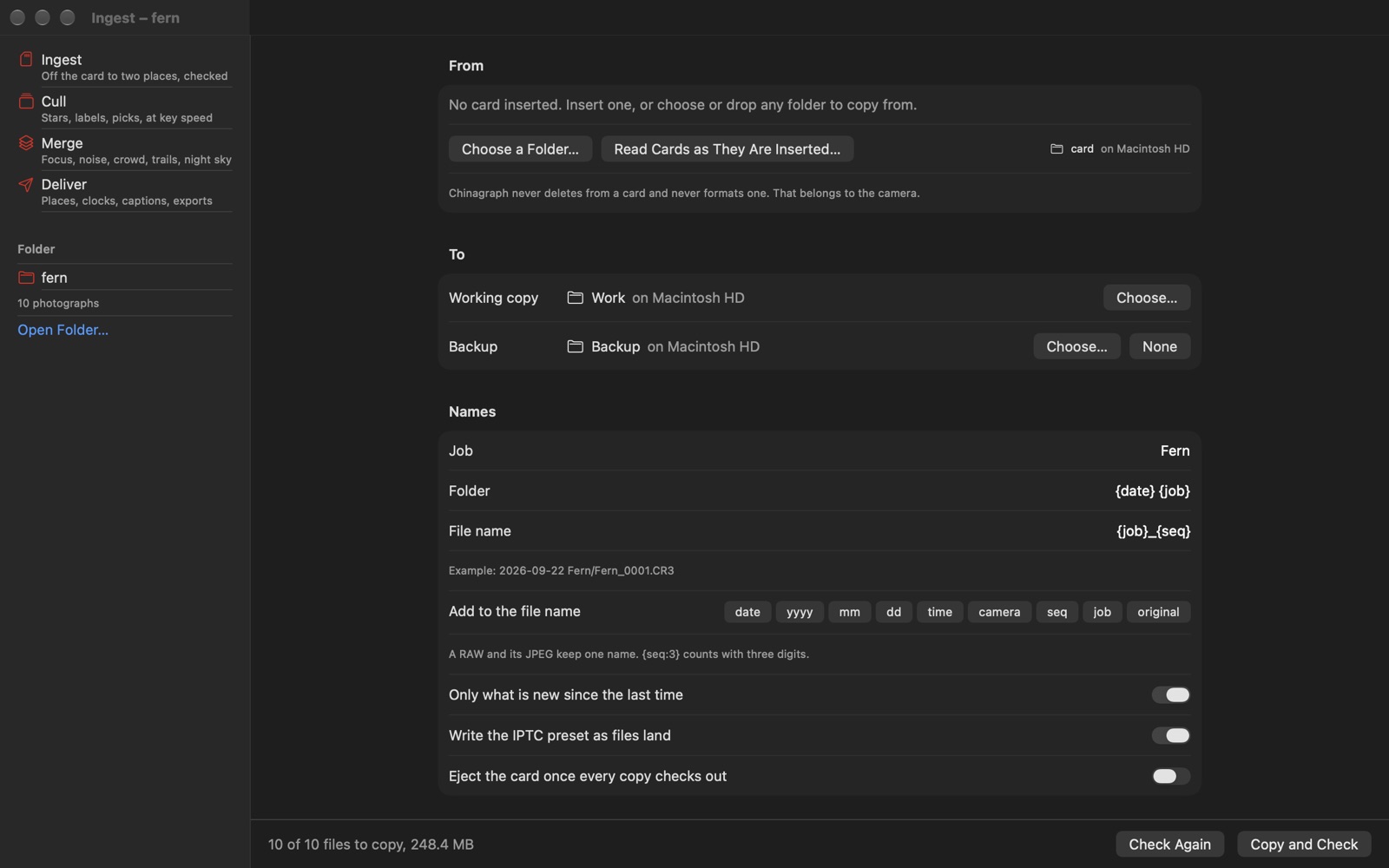
Ingest — off the card, and nothing lost doing it
One read of the card, written to two destinations at once: the working drive and a backup. Every copy is read back from its own disk and compared with the card by SHA-256 before it is given its name. Files are renamed on the way in from a template — date, time, camera, sequence, a job name — and a RAW and its JPEG keep one name. Your creator, copyright and contact details are written as files land. A card already partly copied copies only what is new. Chinagraph never deletes from a card and never formats one; that belongs to the camera.
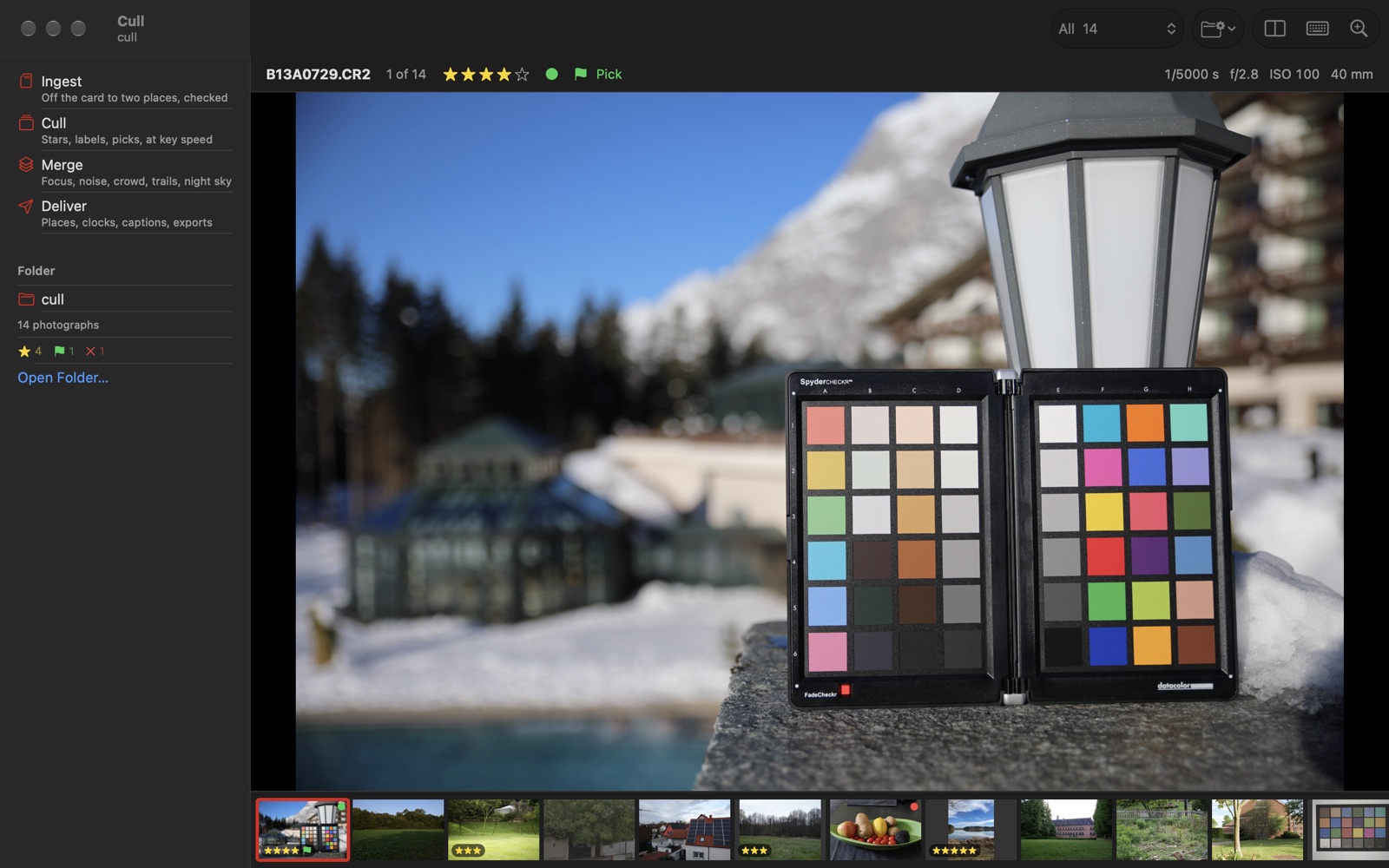
Cull — at the speed of the keys
Every RAW carries a full-size JPEG the camera made. Chinagraph shows that, not the RAW, and reads the next frames before you reach them. 1–5 for stars, X to reject, 6–9 for colour labels, P to pick, Z to decode the RAW itself and look at every pixel. The choices go into XMP sidecars beside the files, keeping everything already in them, Lightroom's develop settings included. There is no catalogue: the folder is the library. Bursts are grouped with the sharpest frame marked, and frames that look soft or catch someone blinking are flagged — shown, never acted on.
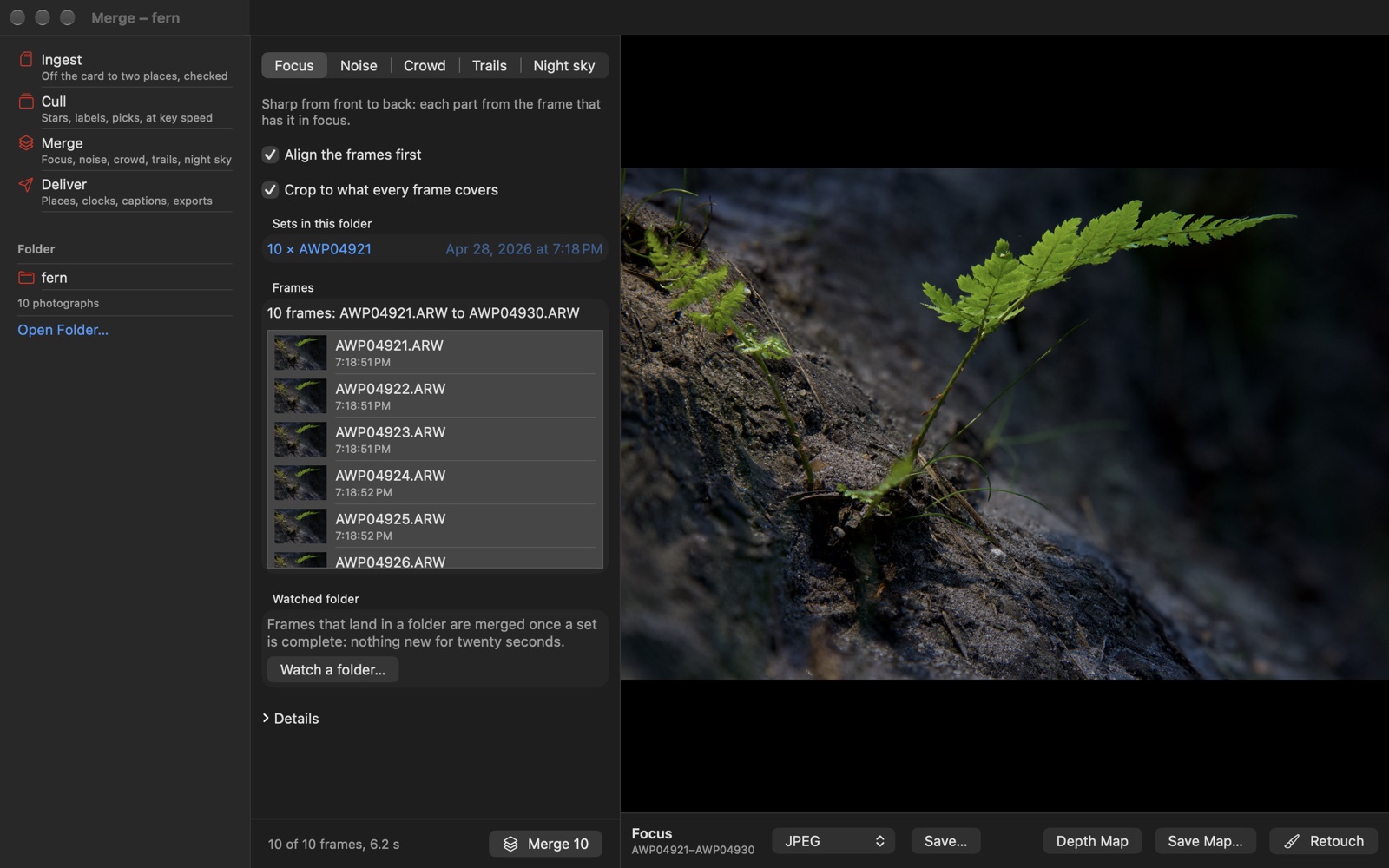
Merge — many frames into one picture
Focus stacks, aligned for the lens's breathing, with a map of which frame each part came from. Noise averaged away. Crowds cleared, by keeping only the frames that agree at each pixel. Light trails, brightest or darkest. And the night sky: the stars found in every frame and the sky turned back into place, corners included, while the ground is found and kept where it stands. Aligned frames wait on the scratch disk rather than in memory, so a set of hundreds of RAWs is limited by the disk, not by the Mac's memory.
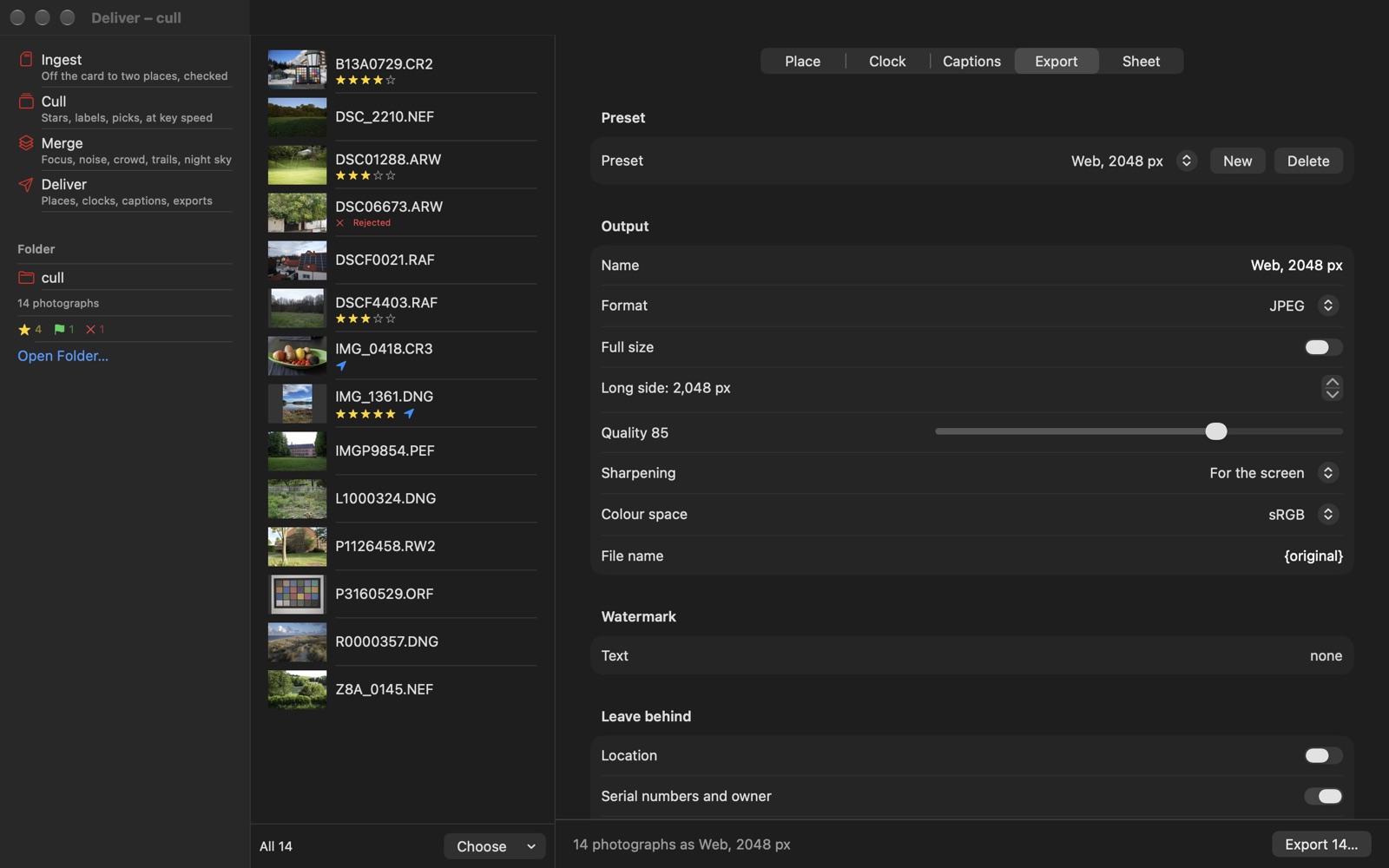
Deliver — right before it leaves
Positions from GPX track logs, matched by time. A camera's clock fixed from one photograph of a clock, and the offset applied to the whole shoot. Captions, keywords, credit and location across a selection. Export presets — size, JPEG, HEIC, 16-bit TIFF or PNG, sharpening for the screen, a watermark, a file name — that leave behind what should not travel: the GPS position, serial numbers, the owner's name. And contact sheets as PDF: the grid, the file names, the stars. A chinagraph's natural habitat.